
Transferring documents, photos, videos, folders, and other files from one device to another can sometimes feel harder than it should. Bluetooth is slow and data cables are not available, then no worries. We bring a new tool called LocalSend APK that assists users in transferring any kind of file within a few seconds.
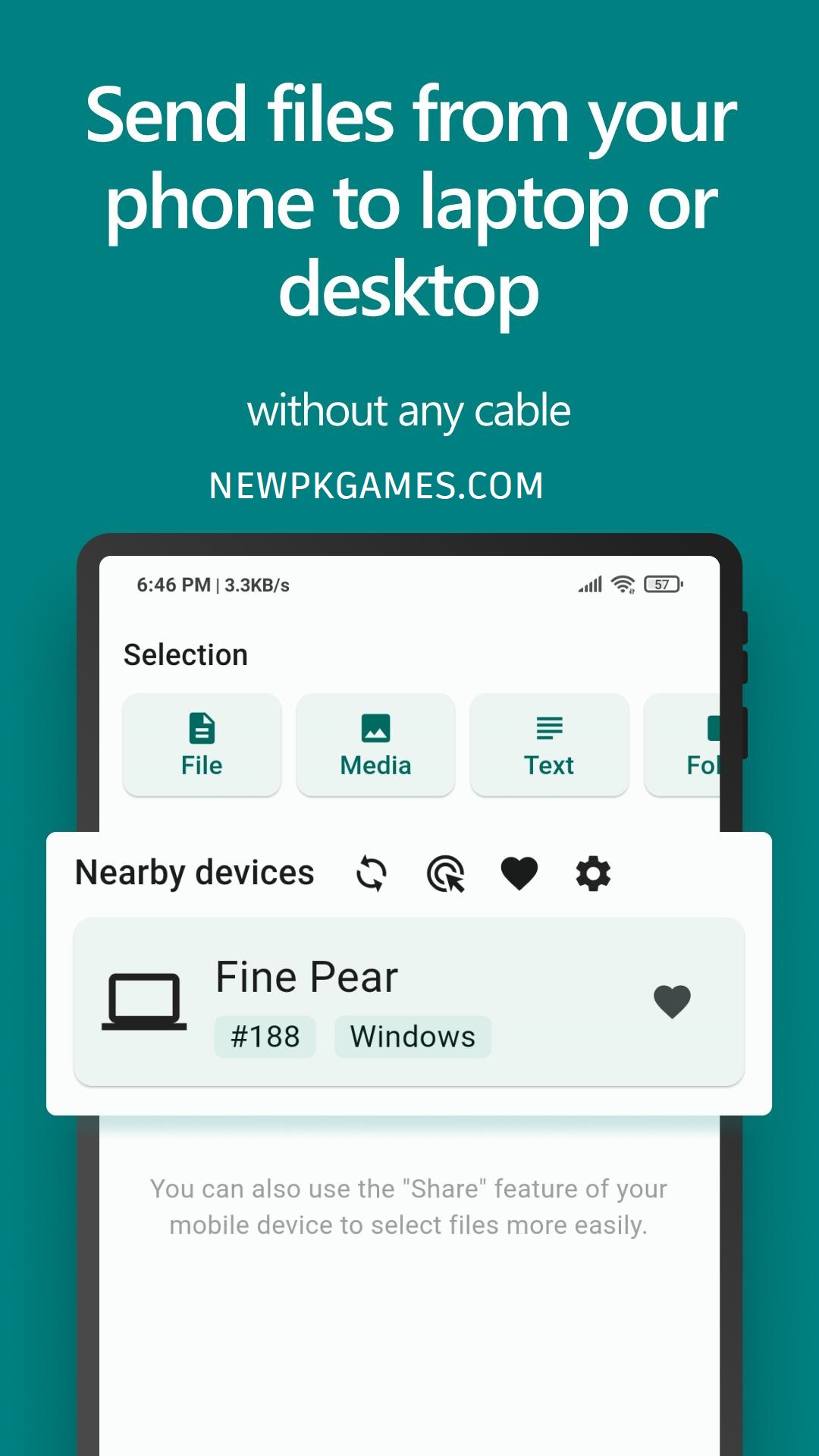
Forget about all traditional tools, including Bluetooth, because new technology is here. The latest tools are much better and contain several new features that you can’t find in traditional tools.
What Is LocalSend APK?
LocalSend APK is a new tool for Android phones that allows you to transfer any kind of data, including documents, photos, videos, and other files, in a very short time. The application is much faster and easier for users, so everyone can use this tool on their smartphone at no cost.
You can watch live TV on this app: Xiaomi TV APK
How to use LocalSend APK?
The working principle of LocalSend APK is very simple: you have to install LocalSend on two nearby devices and connect them to the same local network. Now open the app on your phone, select the files, choose the receiving device, and approve the transfer.
The project describes itself as fast, private, offline, open source, and cross-platform. The tool has a fast transfer option that can send photos, videos, documents, text, and other file types across supported devices.
How Does LocalSend Work?
LocalSend APK uses your local network rather than relying on a remote cloud storage service. You can open LocalSend on both devices. After the devices discover each other, you select a photo or video on your phone and choose the laptop as the destination.
The official project says LocalSend does not require an internet connection for its core file-sharing function and that data stays on the local network. It also uses encryption for communication between devices.
This distinction is important:
- Internet connection: Not required for normal local transfers.
- Local network: Required for normal device-to-device discovery and transfer.
- So, LocalSend is not intended to replace services that send files to someone who is thousands of kilometers away.
LocalSend APK Features
Cross-Platform File Sharing
This is the best feature of this tool: you can share files across platforms.
This means you can use it for situations such as:
- Android phone to Windows PC
- Windows PC to Android phone
- Android to iPhone
- Android to Mac
- Linux computer to Android
- Phone to phone
- Computer to computer
This cross-platform approach removes much of the compatibility problem associated with device-specific sharing systems.
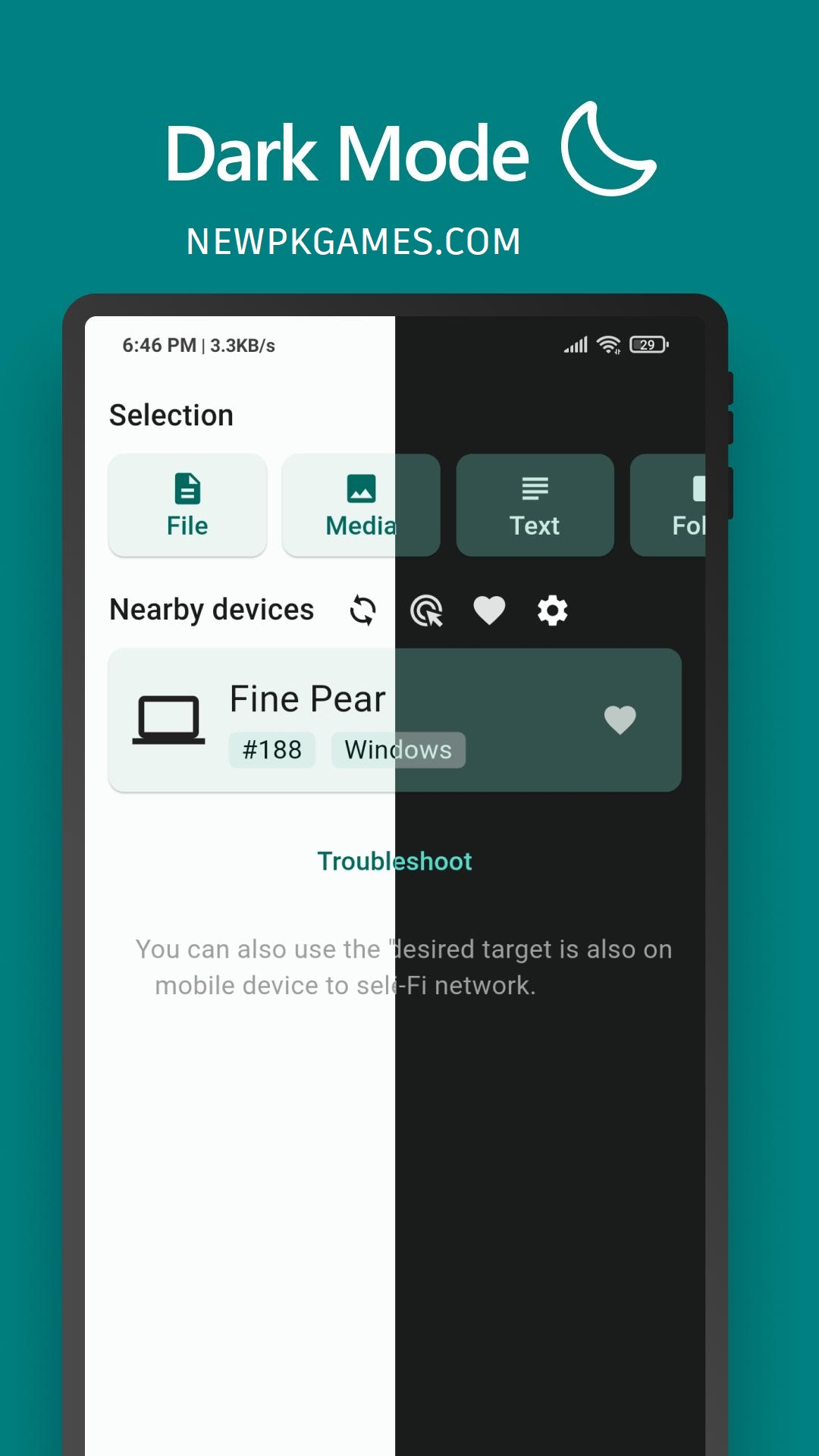
No Account Required
LocalSend APK doesn’t require an account to transfer files. This is especially convenient for occasional transfers.
No Cloud Server for Local Transfers
LocalSend is designed around direct local communication. Instead of uploading a file to a cloud account and downloading it again, the devices communicate over the local network.
Encrypted Communication
Security is an important part of the project. LocalSend communicates using end-to-end encrypted HTTPS communication.
No Advertising in the Core App
LocalSend is presented as an open-source application without ads or tracking in its project documentation. That gives it a different experience from many free file-sharing applications that depend heavily on advertisements.
Large File Transfers
You can send large files without any trouble. It can send large files in a very short time.
How to Install LocalSend APK on Android
- Click on the download button above
- It will download automatically on your phone
- Go to your phone settings and enable unknown sources
- Now open your Downloads folder and tap it
- It will automatically install on your phone
- Go to your phone screen, find the app shortcut, and use it
If you are downloading the file from outsource thant check the following details.
Before installing an APK manually:
1. Check the version number.
2. Confirm that the APK matches your device architecture.
3. Prefer the official project or a trusted open-source repository.
4. Avoid modified APKs claiming to provide premium features.
5. Scan unfamiliar files before installation.
How to Send Files With LocalSend APK?
Using LocalSend is easy.
Step 1: Install the App
Install LocalSend on both devices.
Step 2: Connect the Devices
Connect both devices to the same local network.
Step 3: Open LocalSend
Launch the application on both devices.
Step 4: Select Your Files
Choose photos, videos, documents, folders, or other supported content.
Step 5: Select the Receiving Device
The nearby device should appear in LocalSend.
Tap its name.
Step 6: Accept the Transfer
The receiving device can approve the incoming transfer. The file will then be transferred through the local network.
What Can You Send With LocalSend APK?
LocalSend is not limited to photographs.
Depending on the platform and file permissions, it can be used for many types of content, including:
- Photos
- Videos
- PDFs
- Documents
- Music
- ZIP files
- APK files- Folders
- Text
- Other personal files
LocalSend APK Pros and Cons
Pros| Cons
Free and open source| Devices normally need local network connectivity
No account required| Not designed for long-distance internet transfers
Cross-platform| Network configuration can affect discovery
No cloud upload required| Public or restricted Wi-Fi can cause problems
Encrypted communication| Manual APK installation requires more care
Supports many file types| Transfer speed depends on the network
Works offline for local transfers| Some troubleshooting may be needed on restrictive networks
LocalSend vs Cloud Storage
Cloud storage and LocalSend solve different problems.
If you want to keep a backup of your files and access them from anywhere, cloud storage can be useful.
If you simply want to move a 2 GB video from your phone to your nearby computer, LocalSend can eliminate the upload-and-download process.
Think of LocalSend as a nearby transfer tool, not a replacement for cloud backup.
LocalSend vs Quick Share and AirDrop
LocalSend is often compared with built-in wireless sharing systems.
Feature| LocalSend| Quick Share| AirDrop
Android| Yes| Yes| No
Windows| Yes| Yes| No
macOS| Yes| Limited ecosystem integration| Yes
Linux| Yes| Limited| No
iPhone/iPad| Yes| Limited depending on setup| Yes
Account required| No| Usually no for basic sharing| No
Local transfers| Yes| Yes| Yes
Open source| Yes| No| No
Cross-platform focus| Strong| Moderate| Apple-focused
The main attraction of LocalSend is its broad operating-system support rather than being tied to one company’s ecosystem.
Common LocalSend Problems
Sometimes the application may not immediately find another device.
The problem does not necessarily mean the app is broken.
Check the Network
Make sure both devices are connected to the same network. Some guest networks and restricted office networks prevent devices from communicating with one another.
Check VPN Settings
A VPN can sometimes interfere with local device discovery. Temporarily disabling the VPN can help determine whether it is causing the problem.
Check Firewall Settings
On Windows or other desktop systems, firewall rules can prevent LocalSend from receiving network connections.
If the application is allowed through the firewall, device discovery may work more reliably.
Check Battery Restrictions
Some Android manufacturers aggressively restrict background activity. If LocalSend stops working when the phone screen is locked, check the app’s battery and background activity settings.
Keep Both Apps Updated
Using significantly different or outdated versions can make troubleshooting harder. The official release repository publishes current builds and release notes.
Best Use Cases for LocalSend
LocalSend can be especially useful for:
Students: Move PDFs, presentations, and project folders between a phone and laptop.
Photographers: Transfer photographs from a phone to a computer without uploading them to cloud storage.
Office workers: Quickly move documents between work devices.
Developers: Send test files, APKs, archives, and project resources between machines.
Families: Share videos and photos between nearby phones.
Linux users: Transfer files between Android and Linux without depending on a proprietary ecosystem.
Final Words
LocalSend APK is a wonderful tool for transferring any kind of data, including Apps, documents, photos, videos, and other files, between two devices in a very short time. If you need to transfer your files in a very short time, then this will be a perfect choice for you. Download and install this app on your phone and send your files within a few seconds.
Frequently Asked Questions
1. What is LocalSend APK?
LocalSend APK is an Android application that allows you to transfer files between two devices in a very short time.
2. Does LocalSend work without Wi-Fi internet?
Yes. LocalSend does not require internet access for normal local transfers. The devices need a network connection that allows them to communicate locally.
3. Is LocalSend free?
Yes. LocalSend is available as free and open-source software. Its project documentation also states that it has no ads or trackers.
4. Can LocalSend transfer files between Android and Windows?
Yes. Both Android and Windows are supported platforms, making Android-to-Windows transfers one of the practical uses for LocalSend.